
TALENT: How do I Submit to an Open Call?
This article explains how Talent can respond to audition requests or Open Call project links received from a Casting Director or Talent Representative. Following these steps ensures your media is uploaded and submitted correctly.
Submitting to an Open Call
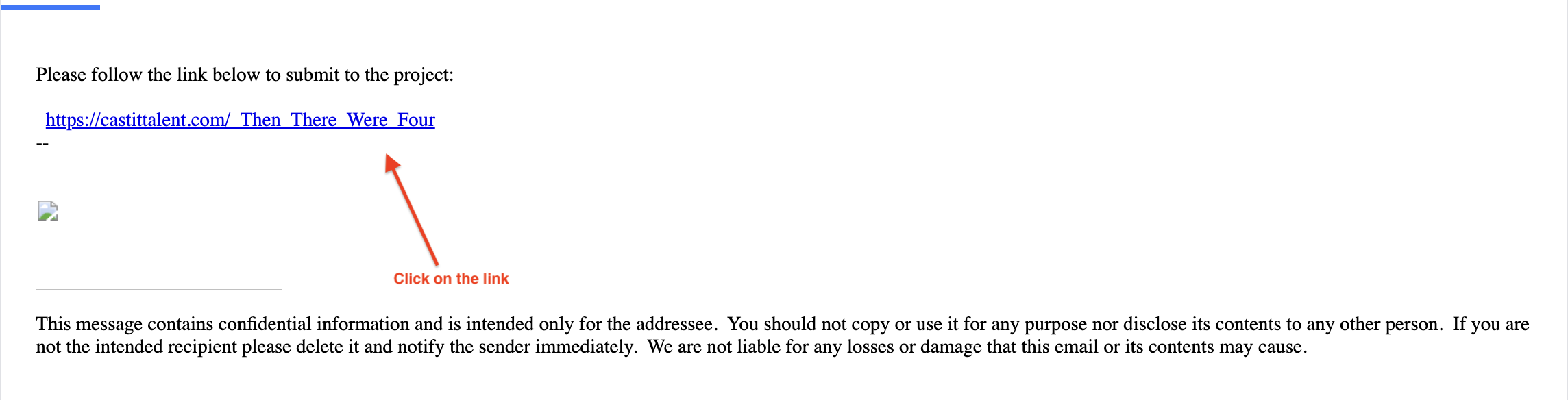
Click on the Open Call Project Link.
Click on the preferred role.
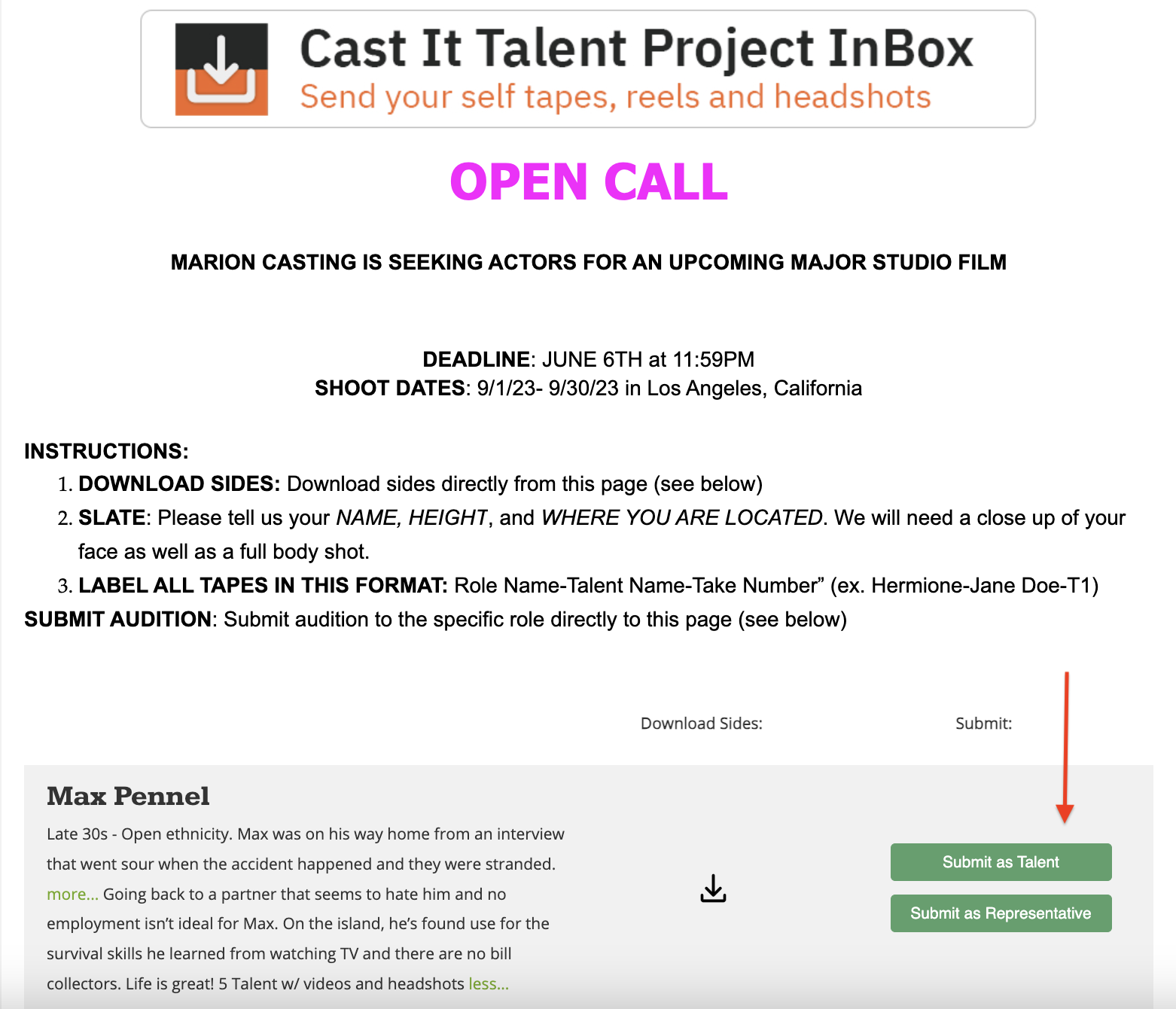
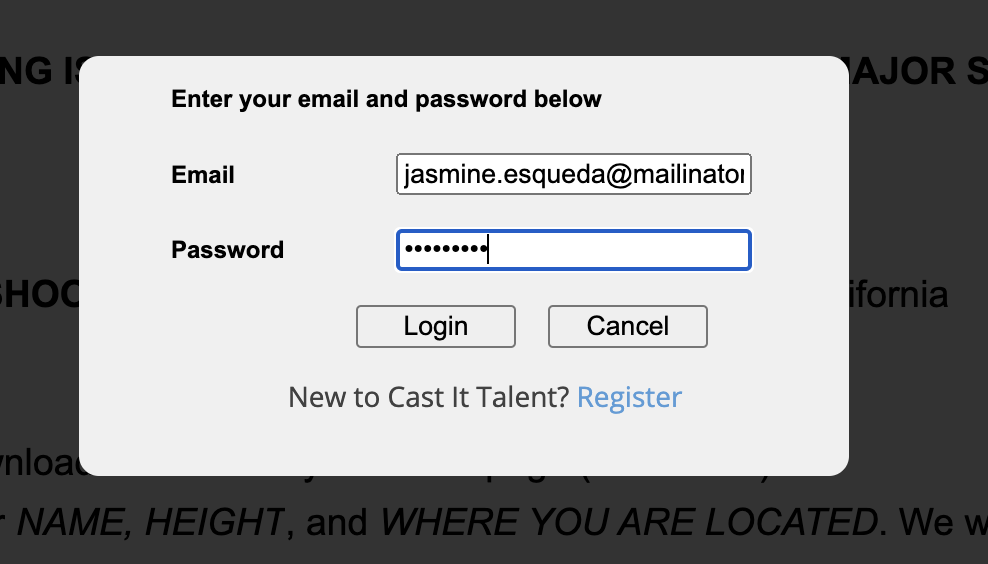
Select the relevant login option:
Submit as Talent (Login with your Credentials)
Submit as Representative
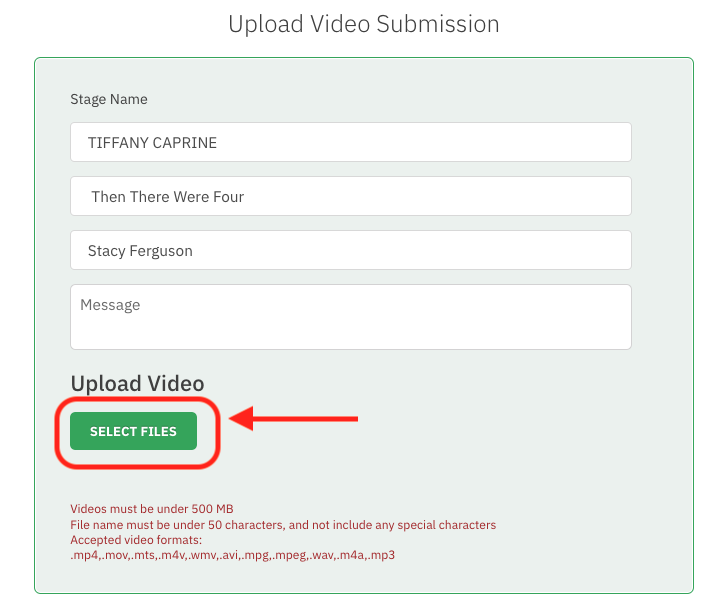
On the "UPLOAD VIDEO SUBMISSION" page, click on Select Videos under the "Upload Video" section to upload your media.
Videos must be under 500 MB.
File name must be under 50 characters and must not include any special characters.
Accepted video formats: .mp4, .mov, .mts, .wmv, .avi, .mpeg, .wav, .m4a, .mp3
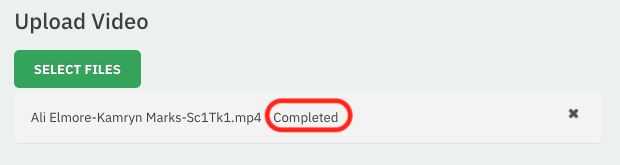
Wait until Complete shows in the video upload bar. Note: If the video is at 100% but does not say "Complete", submitting it will result in an error.
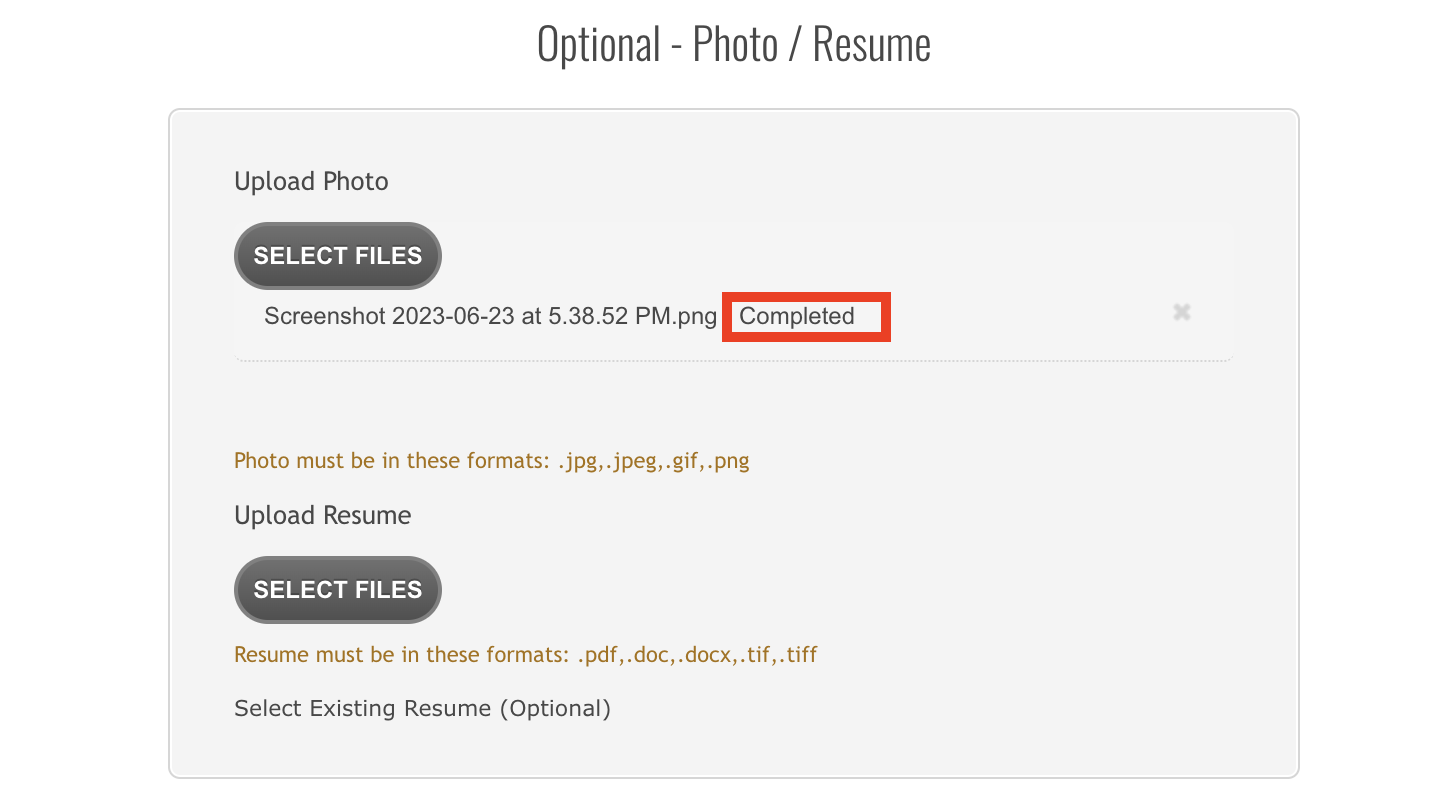
Similarly, upload your Photo and Resume under the relevant sections. Wait until the upload bar reflects the message Completed.
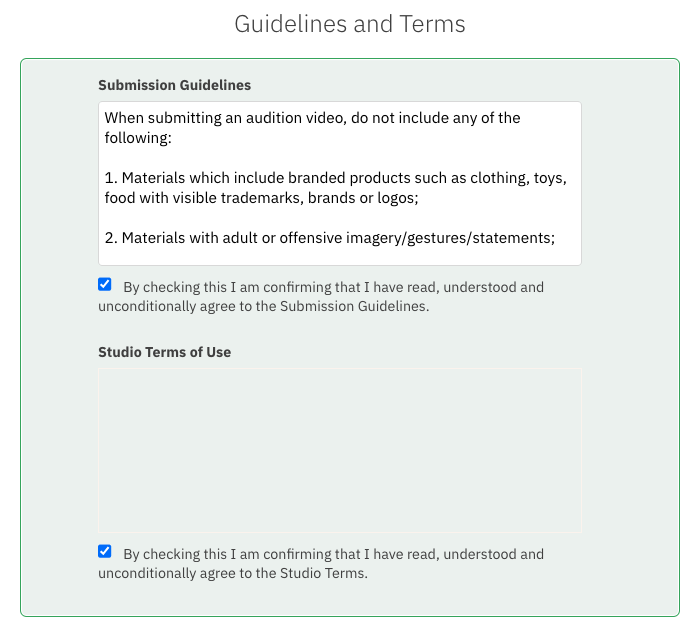
Click on the box to accept the Terms and Conditions.
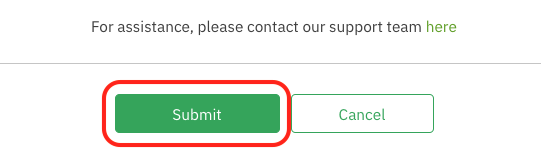
Click Submit.
Having Trouble Uploading Videos?
If you encounter issues during the video upload process, please view our troubleshooting guide HERE.
If you are still unable to submit, please submit the project link, role name, and the uploading materials to our support team by submitting a request here and we will upload it on your behalf.