
TALENT: How do I update my profile?
Edited
This article is for Talent who wish to edit their profile details. Keeping your profile and media up-to-date is important for your agents and helps make the submission process quick and easy!
Editing Profile Information
Click on the Profile Tab.

Above your name on the left-hand side, select Edit Profile & Media.
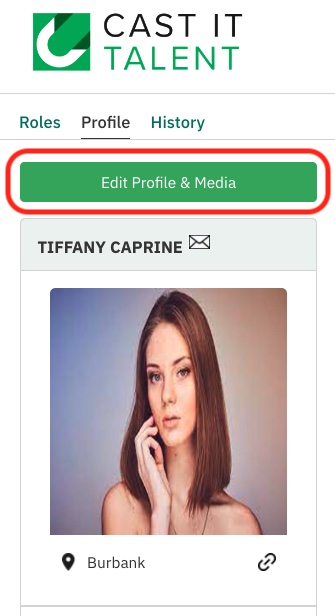
You will be redirected to the edit profile page.
You can update all information here, including your stage name, availability, role types that you are interested in, and who can view your profile.
Once all information is updated, select Save.
To update media on your profile check out the article here.
Update
Profile