
TALENT: How can I view my submission history on Cast It Systems?
Edited
This article explains how to access and review your past submission history to ensure you are staying on top of your acting opportunities.
How do I view my submission history?
Log in to your Cast It Systems account.
Navigate to the top menu and select the option labeled History.

Once you select the History option, you will be directed to a page where you can view all previous submissions.
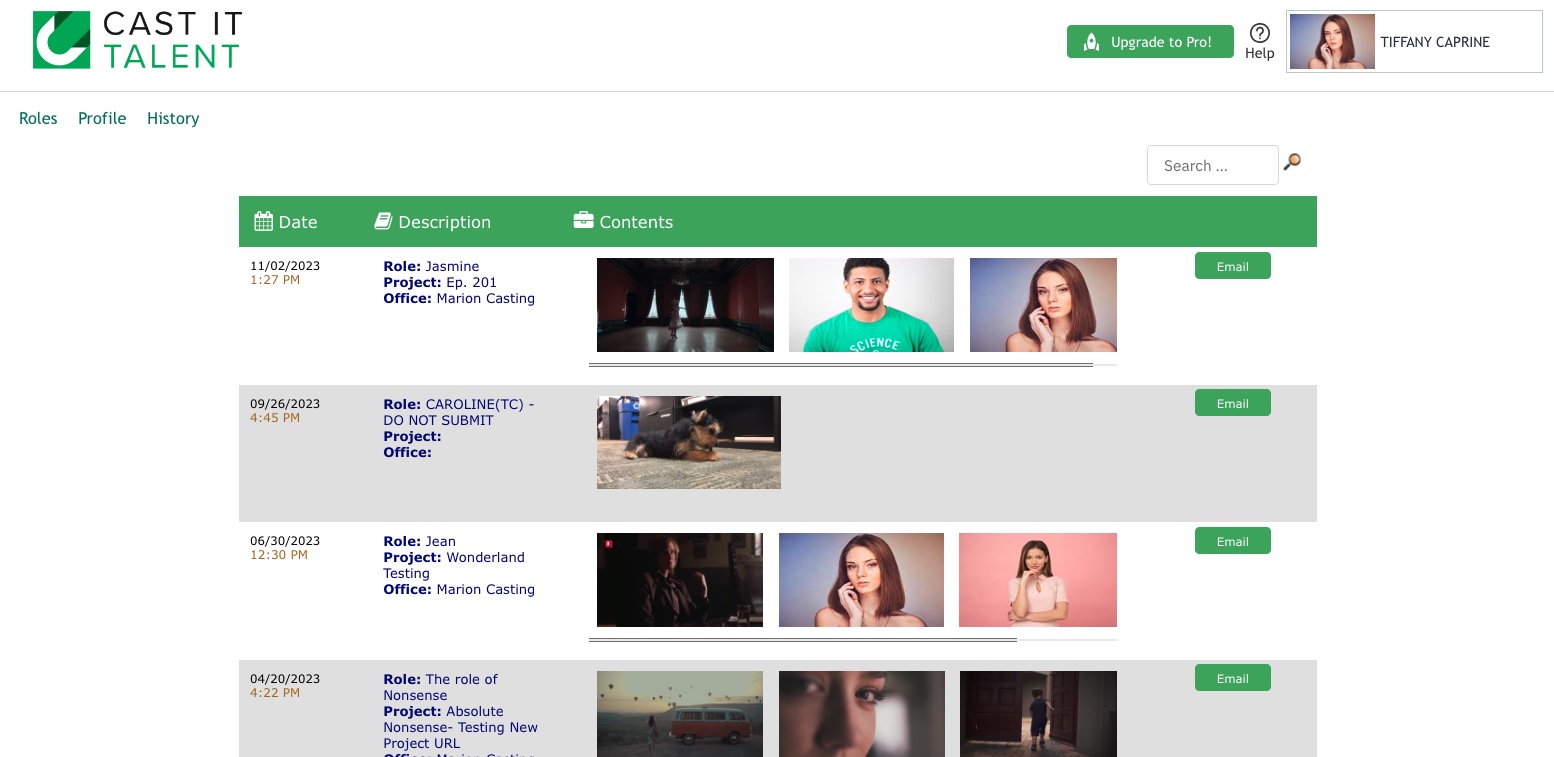
History
Submission
Submitted
Talent