
TALENT: How do I register and submit to an Open Call project?
This article guides new Talent through the process of registering and submitting an audition to an Open Call project link. Follow these instructions to create your account and upload your materials smoothly.
Registering and Submitting to a Project
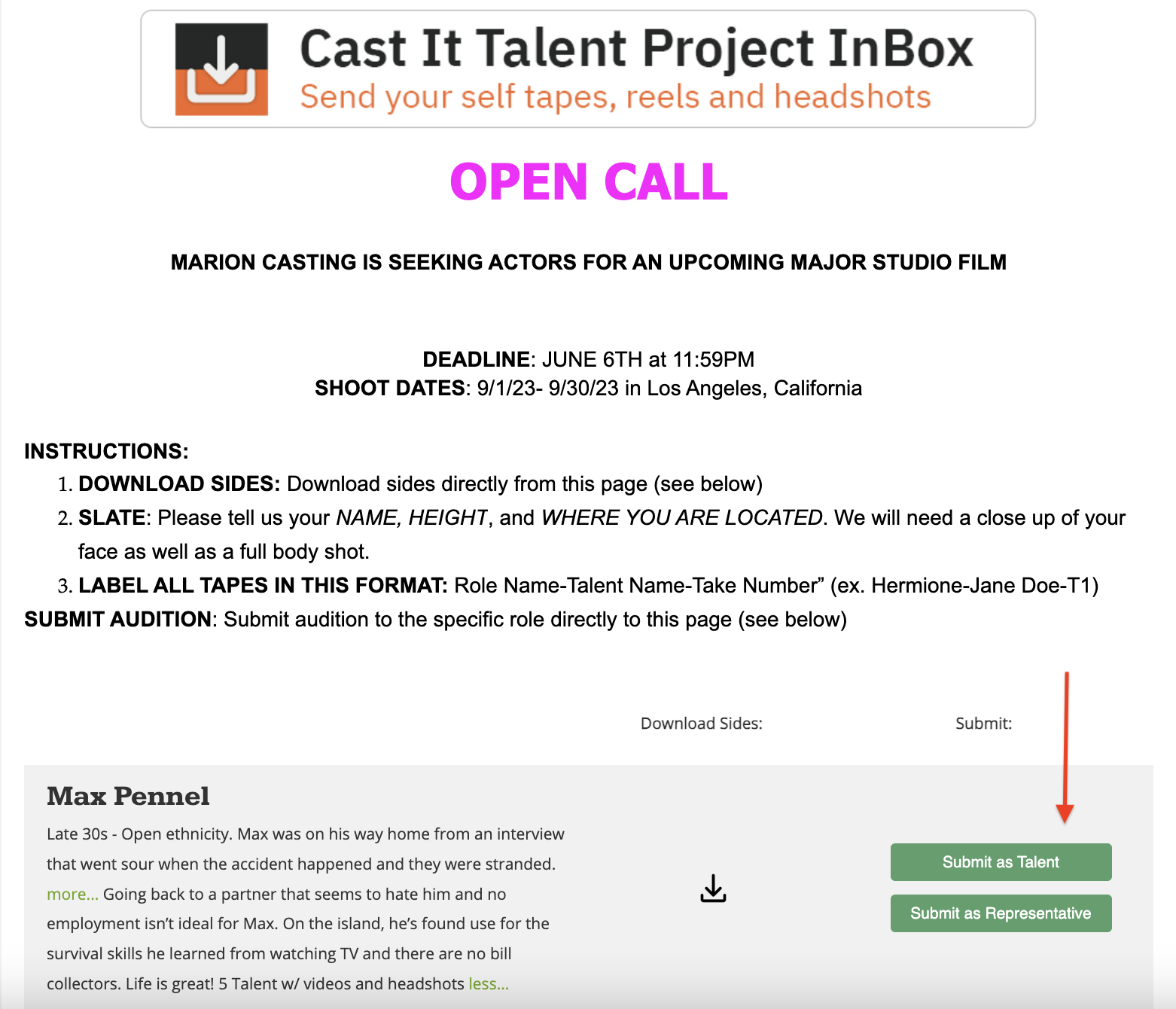
Access the audition by clicking on the Open Call Project Link provided.
Choose the role you wish to audition for by clicking on it.
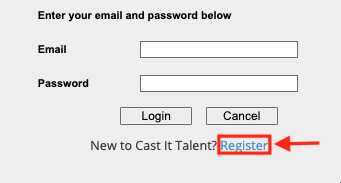
New to Cast It Talent? Simply click Register.
Complete the account creation by filling in the essential details.
Note: For talent below 18 years old, a guardian must provide their email address and manage the account setup.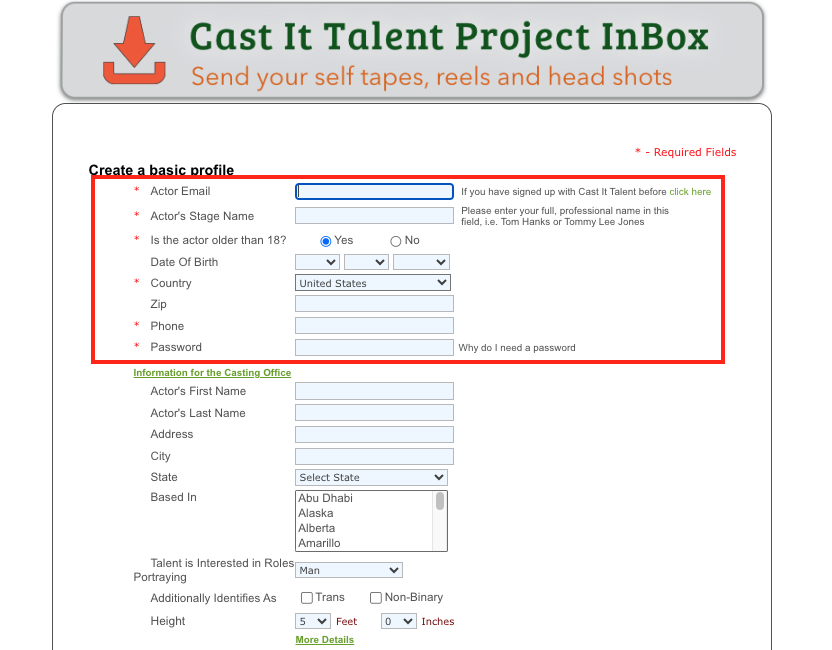
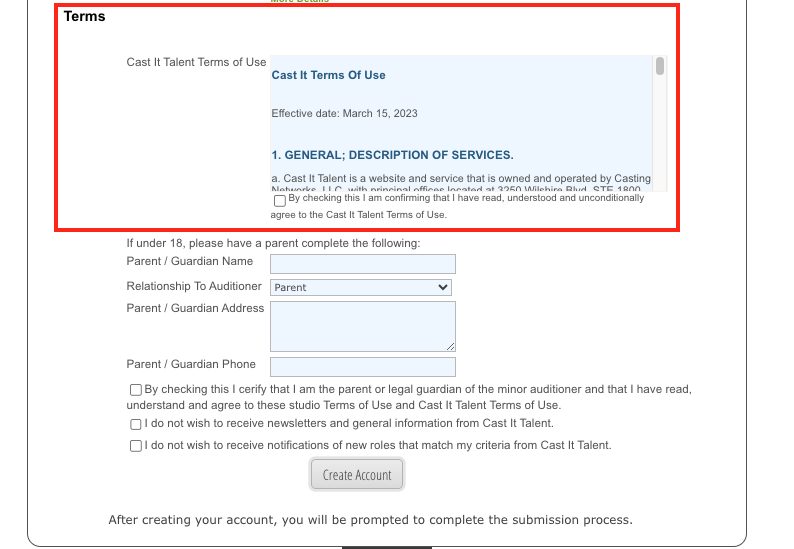
Review and agree to our Terms and Conditions. Guardians are required to do this on behalf of underage talent. Click Create Account to continue the process of uploading your self-tape.
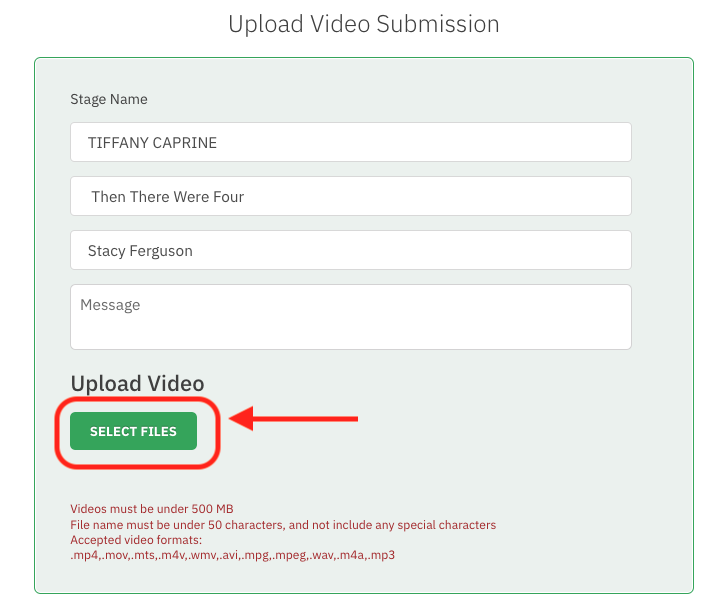
On the 'UPLOAD VIDEO SUBMISSION' page, select Select Videos from the "Upload Video" section to upload your audition material.
Maximum file size: 500 MB
File name: Fewer than 50 characters without special characters
Accepted video formats include: .mp4, .mov, .mts, .wmv, .avi, .mpeg, .wav, .m4a, .mp3
Make sure the upload is completely finished, as indicated by the message Complete on the upload bar.
Note: Uploading at 100% without the "Complete" message could result in an error.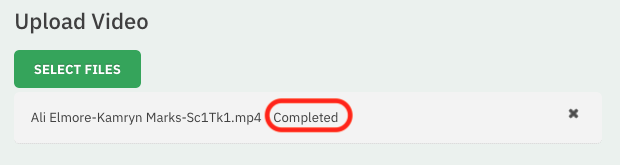
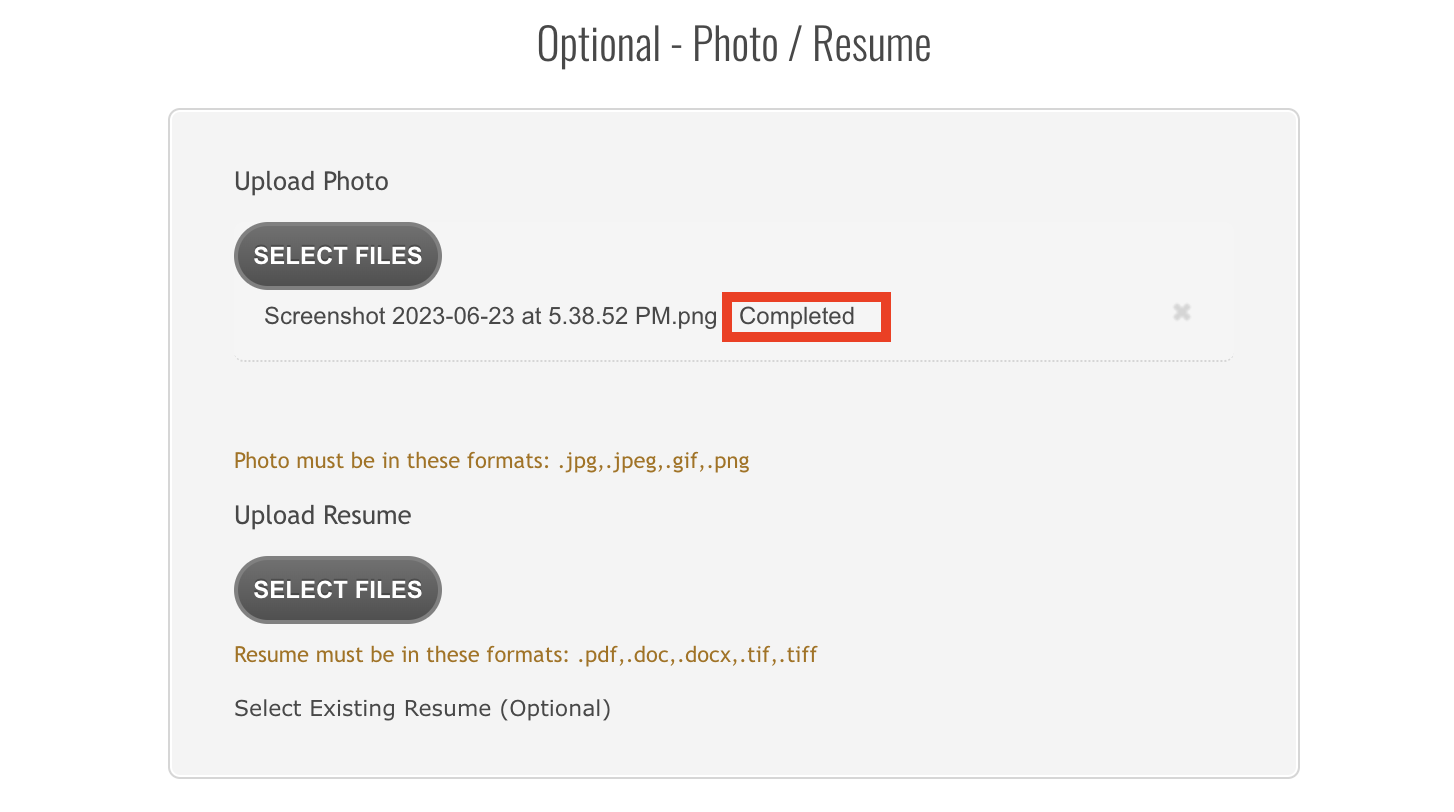
Follow the same process to upload your headshot photo and resume, waiting for each to fully upload and display Completed before moving on.
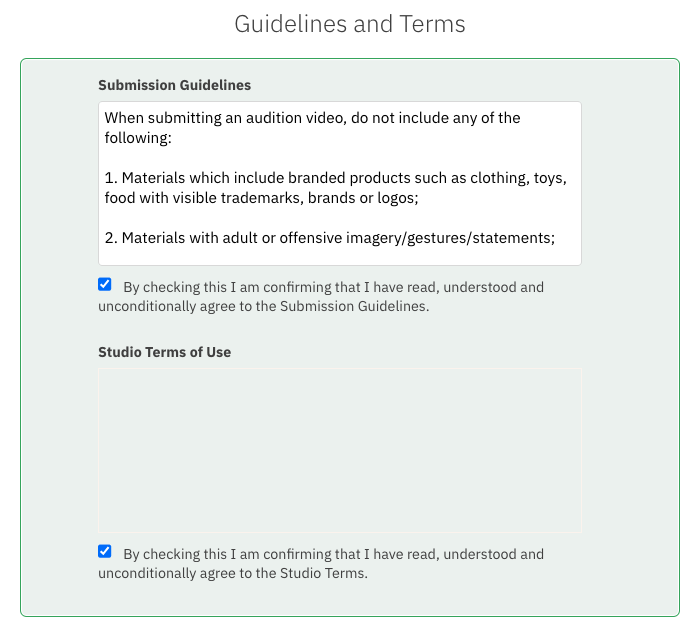
Once all files are uploaded, agree to the Terms and Conditions.
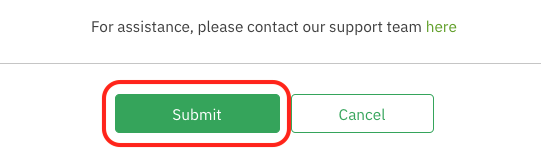
Finalize your submission by clicking the Submit button.
Need Further Assistance?
We're here to support your journey in the industry. If you encounter any issues or have questions regarding the submission process, please don't hesitate to reach out to support for assistance.