
TALENT REPRESENTATIVE: How do I approve a talent's representation request?
This article explains how Talent Representatives can approve a request from talent to be added to their roster. Following these steps ensures your accounts are properly linked so you can begin submitting the talent for projects.
How do I approve a representation request?
When a talent adds you as their representative on their account, you will receive an automated notification email. Please ensure that the email address the talent entered matches the email address associated with your specific account.
Once you receive the email, it will appear as follows:
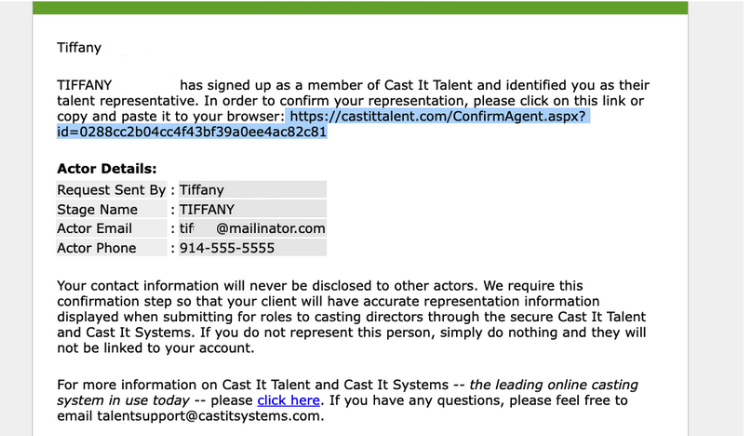
To approve the request and link the talent to your roster, follow these steps:
Open the notification email sent to your inbox.
Copy the approval link provided in the message.
Paste the link into your web browser's address bar.
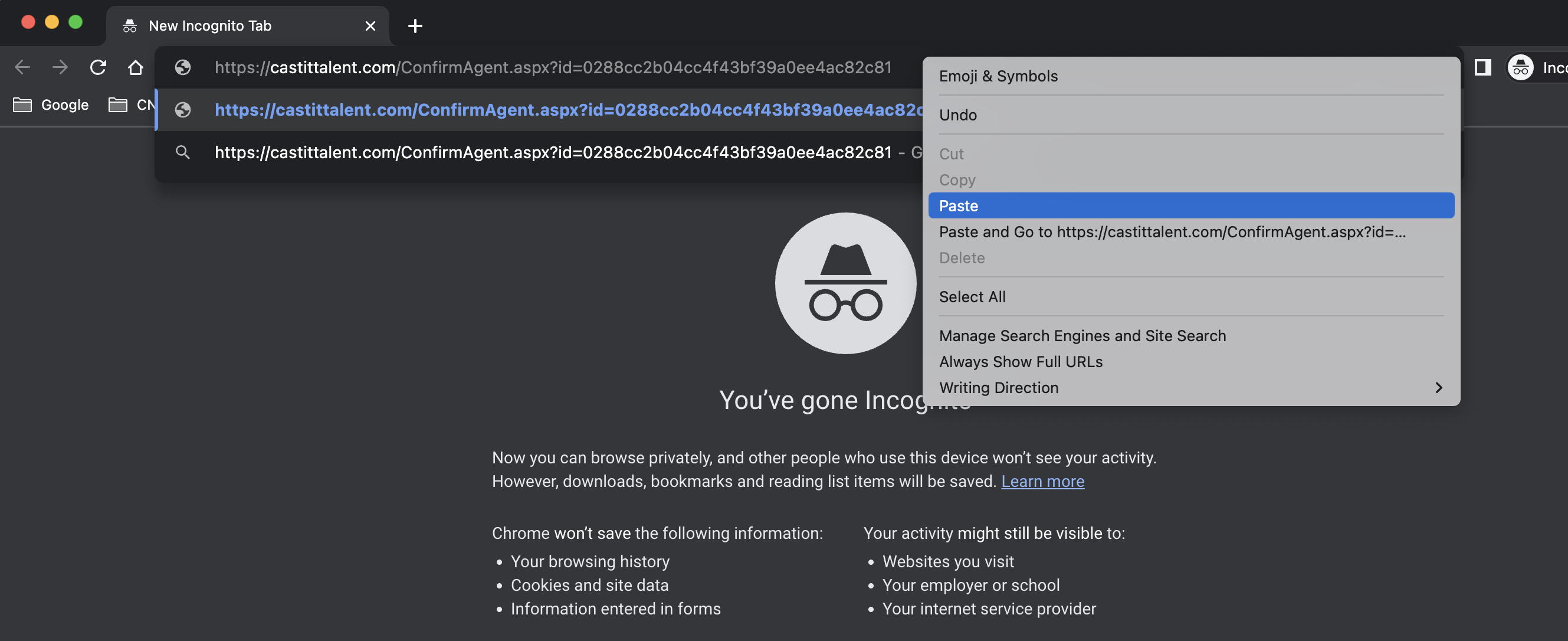
After you navigate to the link, the browser will display a confirmation message indicating that the actor has been successfully added to your account.
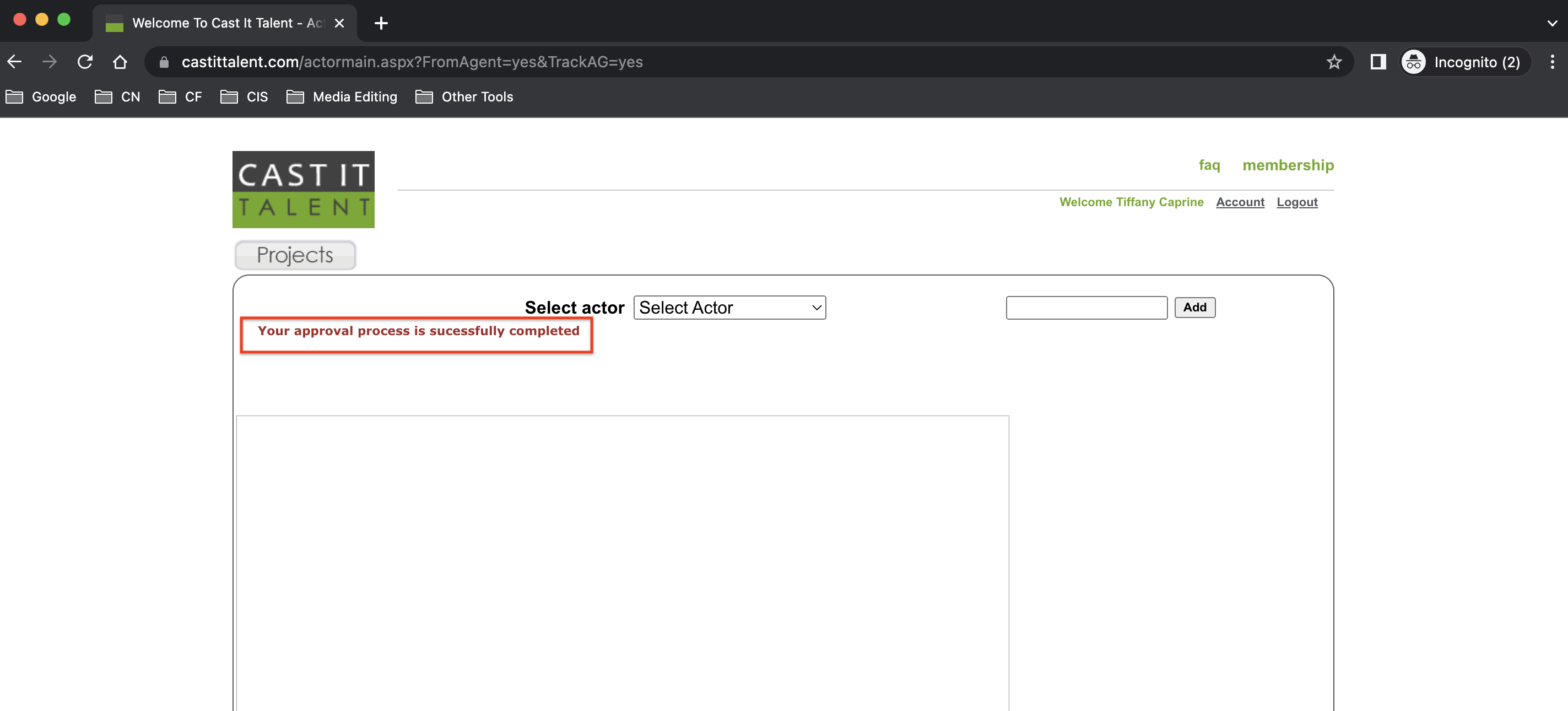
Once you have clicked the link and seen this message, the talent's account is approved. You can now manage their profile and submit them for upcoming projects.